

The catalog is broader than the Gateway. The Models page shows models with an active Gateway route by default. Select a different Gateway Status only when you intentionally want to inspect coming-soon or inactive catalog entries.
What you’ll find on a model page
Every model on Phaseo contains the following key sections:Catalog models vs routable models
Use these terms consistently:
For programmatic discovery,
GET /v1/models returns only routable models by default. Set availability=all to inspect the broader set.
Example model page
Here’s an example of what a model’s data might look like within Phaseo: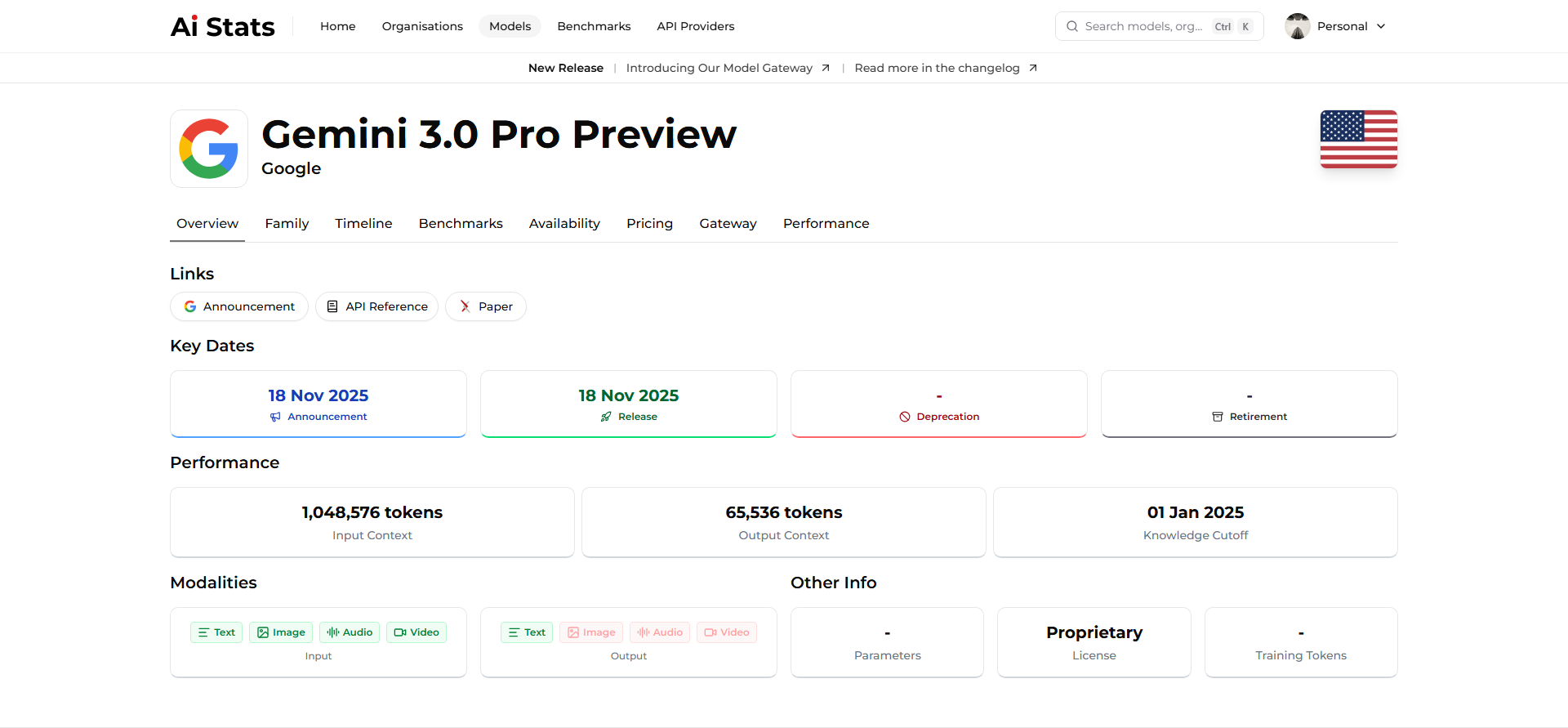
Comparing models
You can compare models side-by-side on metrics such as performance, pricing, and features. Phaseo automatically highlights differences and ranks models based on various benchmark averages.Compare Models
Analyze cost vs performance trade-offs to choose the right model for
your workload.
View Benchmarks
Understand how benchmark scores are gathered and standardized.
Finding models by criteria
Use filters and tags across the Phaseo interface to locate models that fit your needs:- By provider: “Show all Anthropic models.”
- By capability: “List models supporting JSON structured responses.”
- By benchmark: “Top-10 models on GPQA.”
- By pricing: “Models costing under $0.01 per 1K tokens.”
- By release date: “Recently released models.”
Contributing model updates
Because AI evolves rapidly, Phaseo relies on contributors to keep model data accurate. Open a GitHub issue to report a correction, submit missing benchmarks, or request new metadata. Include the model page and official sources; maintainers apply approved updates through the database editor.Contribute Model Data
Learn how to report a model correction or request a missing entry.
Next steps
Now that you understand how models are structured, you can move on to learn about the organizations that build them.Explore Organizations
Discover the companies and research groups behind each model.