

Set up with the Phaseo CLI
phaseo, API URL https://api.phaseo.app/v1, and the selected model to Zed’s settings.json without changing unrelated settings.
Finish setup in Zed
Zed stores provider keys in the system keychain, so this is the one remaining UI step.- Open the command palette and run agent: open settings.
- Under AI, select LLM Providers → Configure.
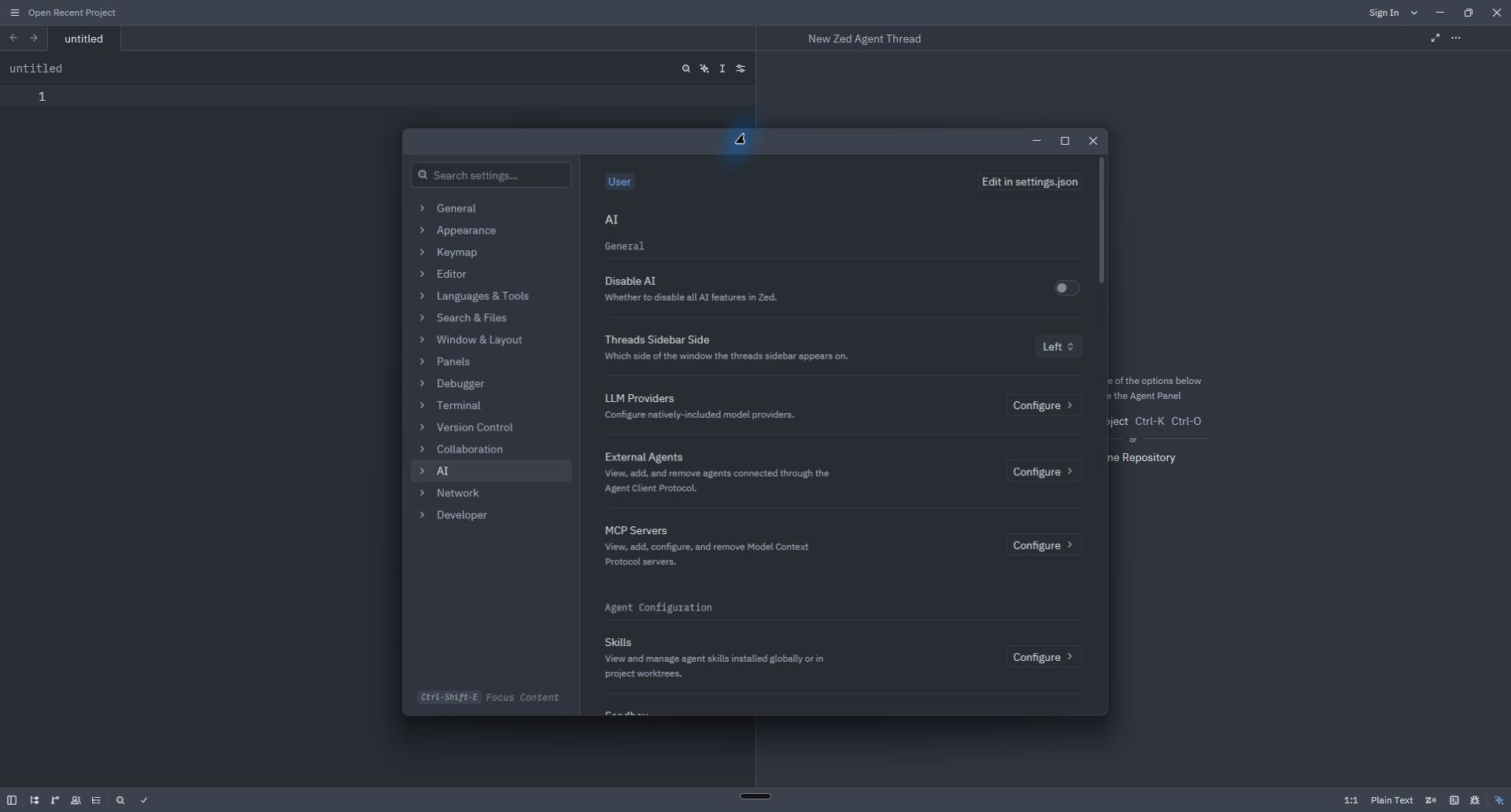
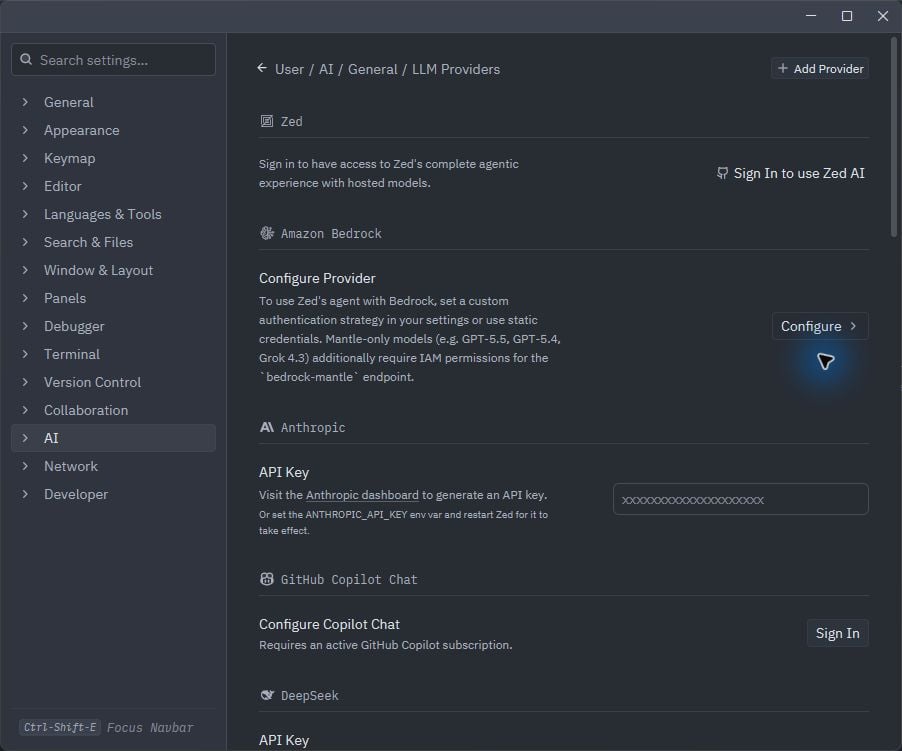
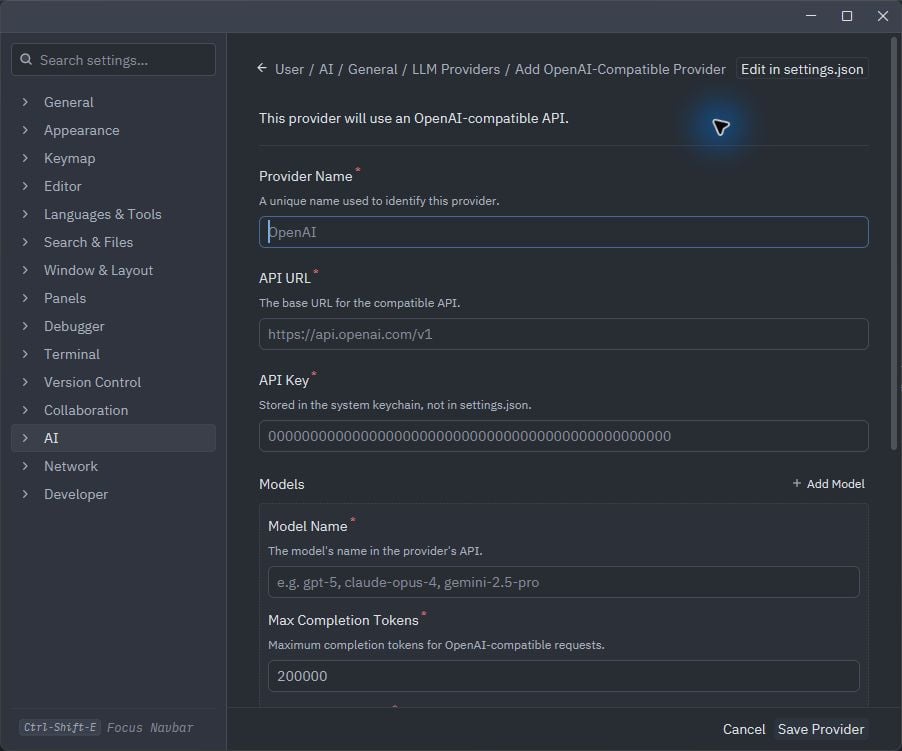
- If Phaseo already appears, open it and paste the dedicated key. Otherwise select Add Provider → OpenAI.
- For a manual fallback, enter:
Verify
Open a new Agent thread, select the Phaseo model, and send a short request. If Zed reports an invalid key, runphaseo integrations credential zed again and replace the key stored in Zed.
Remove
settings.json and revokes its dedicated key. If Zed still shows the old keychain entry, remove Phaseo from LLM Providers as well.